










Introduction
Just imagine this: you make a video on your phone, but when you watch it back, the quality is nothing like what you expected. Somehow, the video content is nice, yet it looks a bit dull.
This is a problem that many TikTok, Instagram, or YouTube video content creators experience: raw material may be great when compared to a phone screen only, but generally, it misses that professional look.
Hence, online video editing platforms come to the rescue. They make it very simple to edit videos right from your phone or browser without the need for an expensive computer. Below are some of the best online video editing platforms for creators for smartphones in 2026.
Smartphone Content Creation Has Never Been Easier — Editing Is Still the Bottleneck
Almost everyone nowadays is able to film videos just with a smartphone. Apps such as TikTok, Instagram, and YouTube have enabled people to share more videos than ever.
However, recording alone is not enough. A single shot can seem dull if it’s not properly edited, and many content creators have trouble with this step.
That’s the primary reason why a lot of us turn to online editing tools nowadays. These useful editing tools can completely change a shaky phone video into a nice and smooth one.
The Biggest Challenges Smartphone Creators Face After Recording
Content Creation Is Moving Faster
Nowadays, editing time is very limited. In fact, most creators want to shoot and post within the same day. As traditional editing is time-consuming, it becomes quite a challenge to deliver content.
Different Content Requires Different Tools
Each video is unique in its own way. A product video, a vlog, and a branded post all have their own character. And yet, one single simple tool is usually not able to deliver quality results for all of these.
What I Learned After Testing Popular Online Video Tools
I tried several online video editing apps as I was creating different types of phone videos. I used short social media clips, portrait videos, quick TikTok-style edits, and even simple marketing videos.
Basically, I did not stick to one type; I kept changing things to see how each tool behaves in real situations.
And it turned out pretty quickly that no single tool can do everything well.
There are a few that can do the whole editing very fast, but you actually don’t have much control over them. On the other hand, there are feature-rich options that you must first learn before using, and you may feel that they are slightly slow when making quick changes. At last, I was more successful when I decided to use the tool according to the work rather than trying to use only one for all the things.
5 Best Online Video Editing Tools for Smartphone Creators
Here are a few video editing apps that you’ll love as a creator. Let’s have a look!
Vmake — Best for AI Video Enhancement and Quick Content Creation
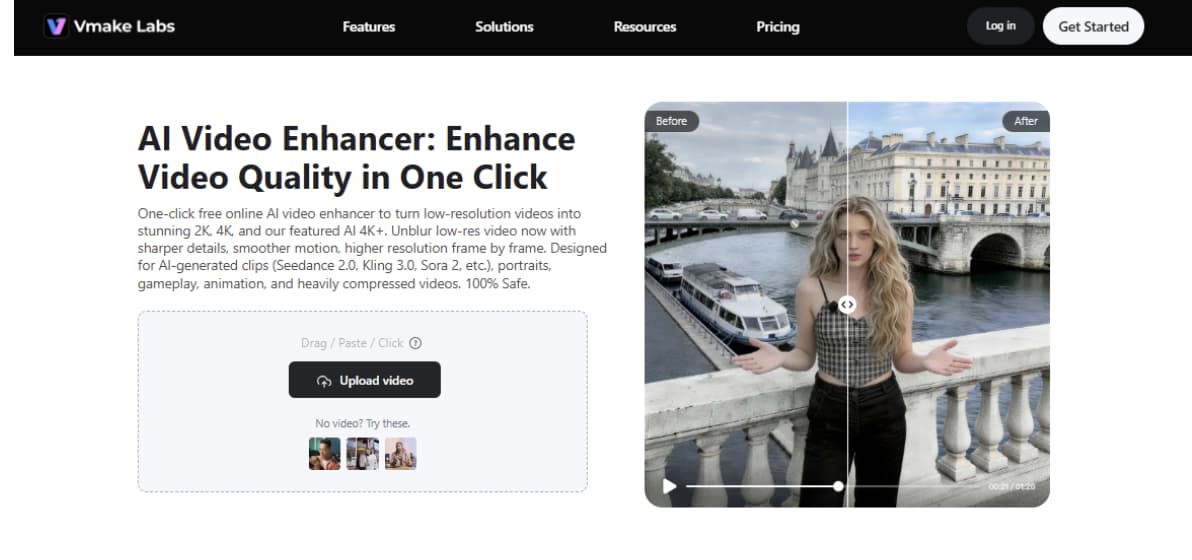
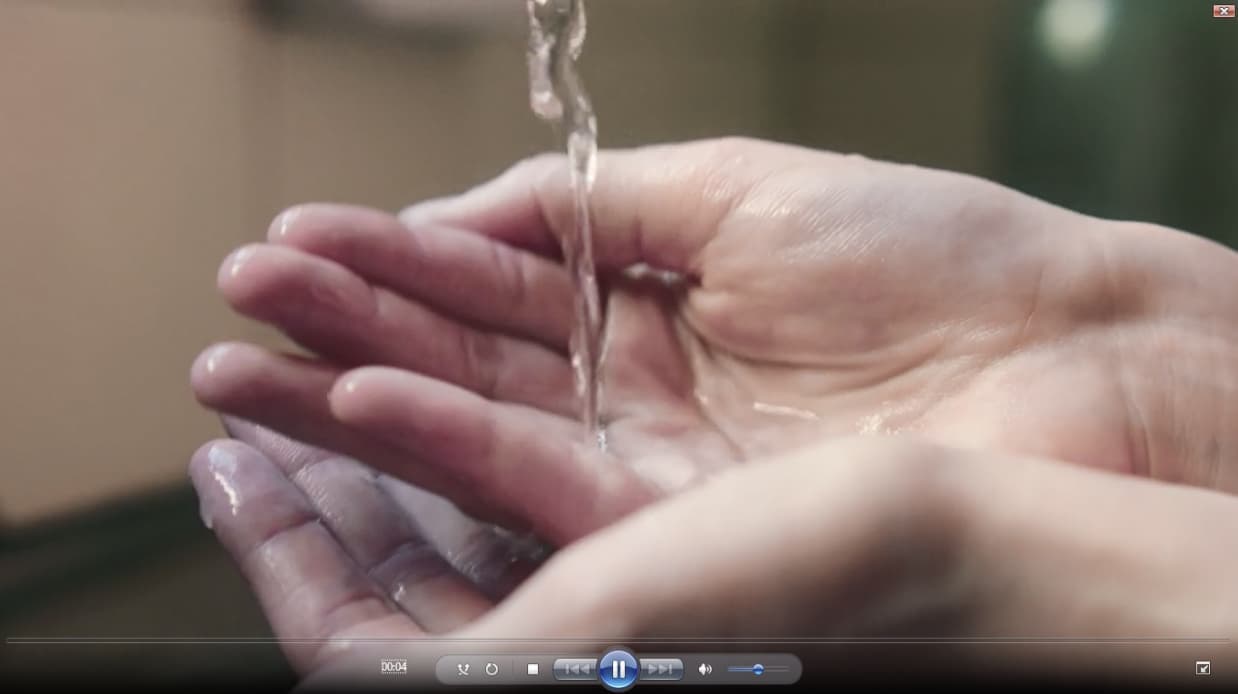
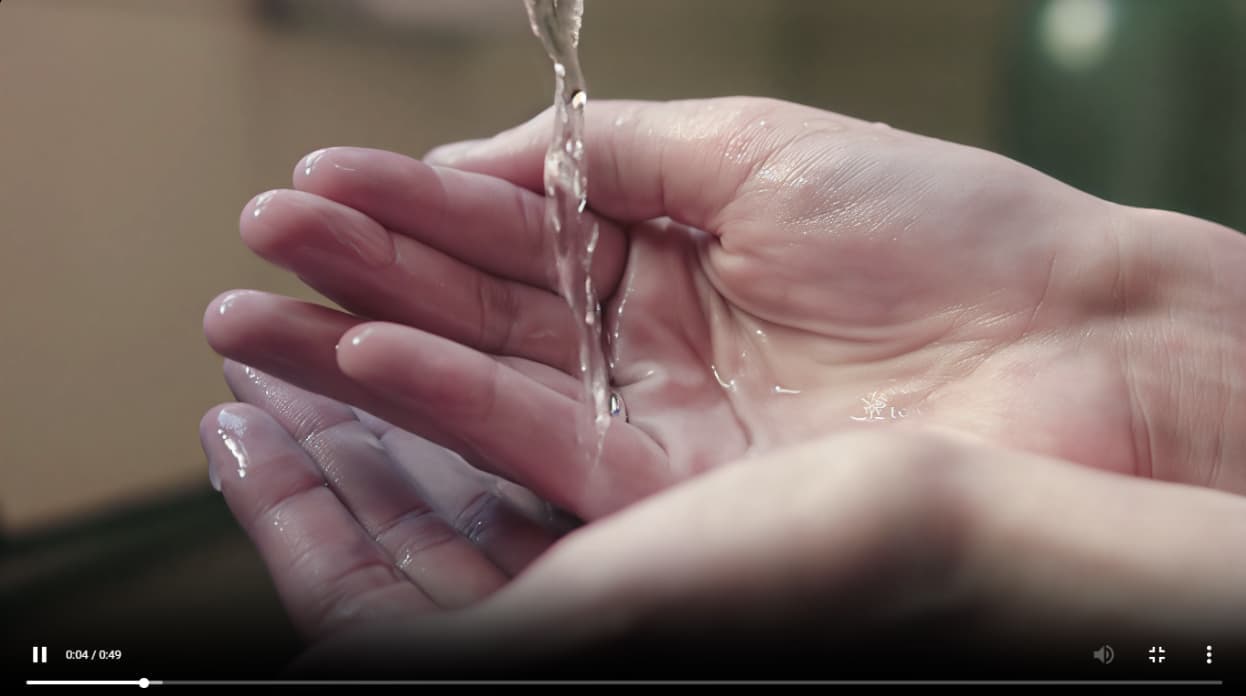
Vmake video enhancer works best when editing some low-quality and compressed clips. It is a very basic online tool that you can run right from your web browser. All you have to do is upload a video, and the AI will automatically enhance its quality.
One of the things that smartphone creators will love is that it takes care of everything on its own. It is not simply about resolution enhancement. It deblurs, buffs up the details, and renders the video look steadier from frame to frame. This is a very effective solution for people who want fast results and still don’t want to learn editing software. It is really a great companion for content made for TikTok, Instagram Reels, and YouTube Shorts.
Key features
- One-click AI video enhancement with automatic processing
- Upscales videos to 2K, 4K, and AI 4K+ quality
- Works directly in the browser with no installation required
- Supports multiple video formats like MP4, MOV, AVI, and more
Wink AI — Best for Beauty, Portrait, and Influencer Content
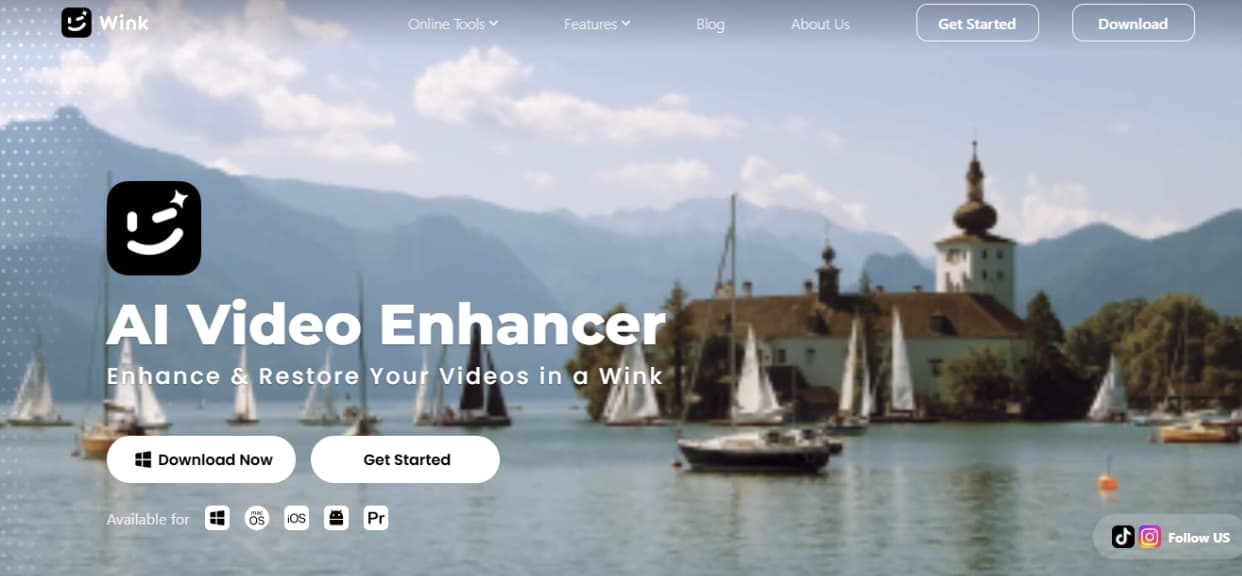
Want a smooth and newbie-friendly feeling? Try out Wink AI on your portrait and social media clips. It is a creator’s tool primarily designed for those who work with faces, selfies, and influencer-style videos.
The tool enhances the overall quality of the video. It gives faces a crisp, more natural appearance. With just one click, even old or blurry clips can appear rejuvenated.
The feature that smartphone creators will love the most is its impressive capacity for beauty and retouching work. It is not a method of solely raising video quality, but a way to soften skin texture, brighten lighting, and enhance the overall look.
Key features
- One-tap AI video enhancement for quick quality improvement
- Advanced facial restoration for natural and clear portrait results
- Auto and manual retouch tools for skin, face, and details
- AI beautification for smoother and more polished video looks
CapCut — Best All-in-One Mobile Editing Platform
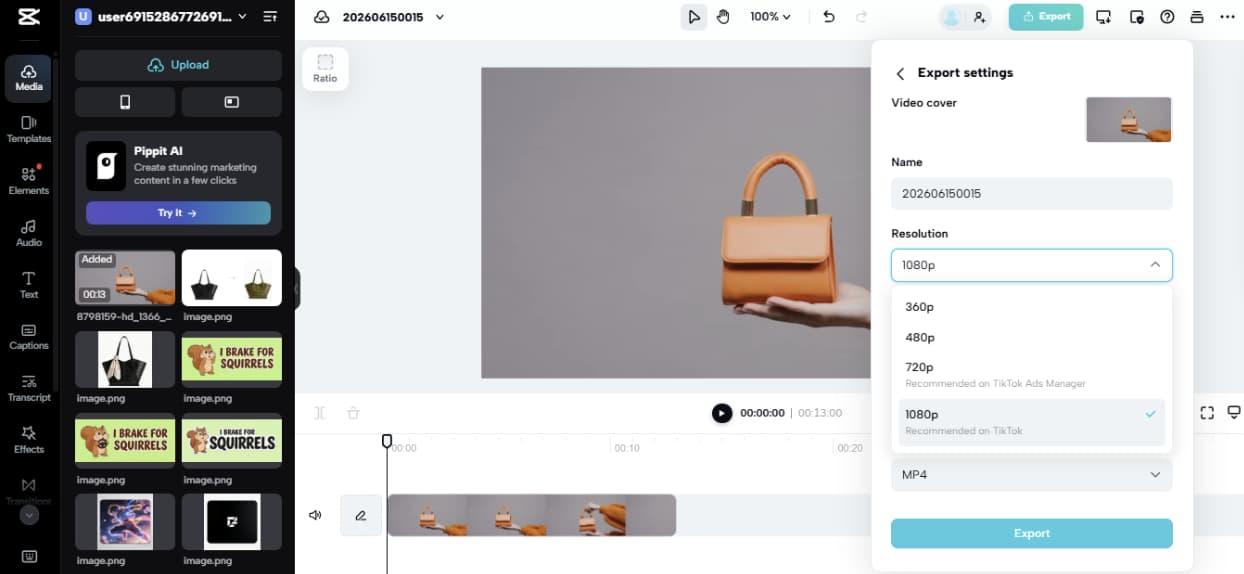
CapCut is, without a doubt, one of the mobile video editing tools that offer the most features. It is not only simple enough for beginners to use but also highly powerful.
Besides that, smartphone videographers can use the app to enhance the quality of their footage, which is quite often low, and prepare clips for social media sharing. The output was very impressive. But the highlight is indeed the AI video upscaling feature. It allows you to convert your blurry or pixelated video into a sharp 4K quality one with only a few clicks.
Key features
- AI video upscaling up to 4K resolution without losing quality
- Smart enhancement that improves sharpness, clarity, and details
- One-click video quality repair for blurry or pixelated clips
Canva Video Editor — Best for Marketing and Brand Content
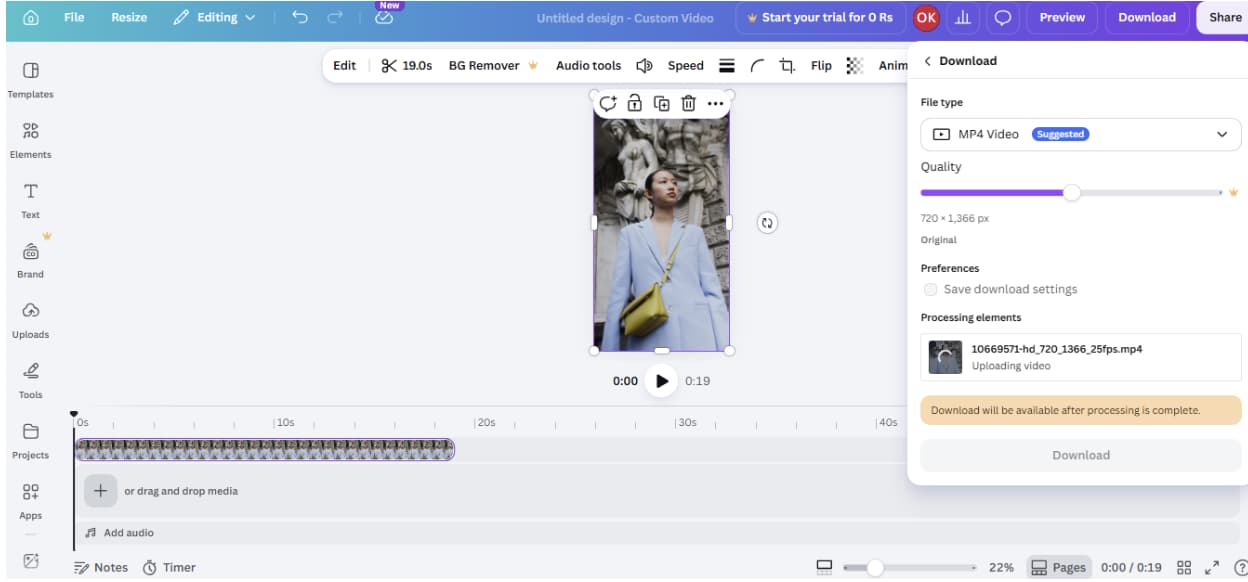
Canva Video Editor has been a go-to tool for producing social media and marketing-style videos. It is very easy to use. Besides editing, you can also create clean and professional-looking branded content with it.
The best part is that you can easily convert simple clips into finished videos without having any editing skills.
The design and branding ability of Canva is matchless. It is possible to change the colors, brightness, contrast, and other styles to align with the brand identity. What’s more, it aids the creation of a collection of visuals with a consistent style to be used for advertisements, product videos, and social posts. The whole thing is made incredibly straightforward and frictionless using only drag-and-drop.
Key features
- Simple drag-and-drop video editing interface
- Built-in video enhancement with brightness, contrast, and color control
- Easy creation of branded marketing and social media videos
VEED.io — Best Browser-Based Editing Experience
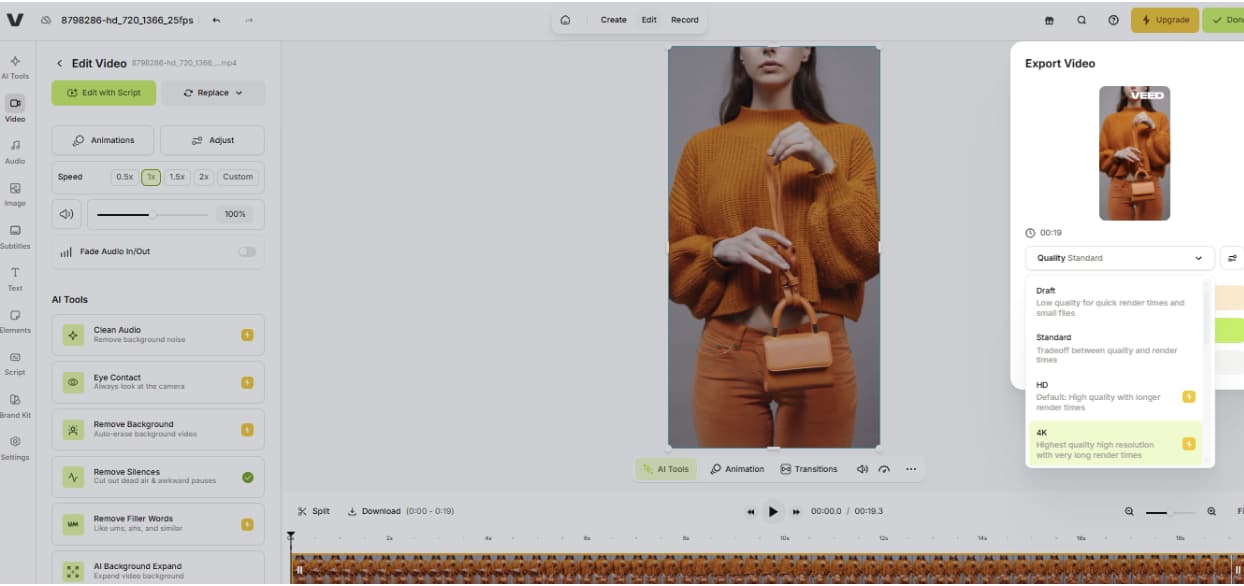
Doubtful of VEED.io? Honestly, as per many creator reviews, they find VEED incredibly smooth and easy. As it is fully browser-based, no installation is needed.
The first step is to upload the video. From there, you can adjust the settings a bit with brightness, contrast, and sharpness. The tool is extremely user-friendly, and it does the job excellently for quick editing.
Key features
- Fully browser-based video editing with no installation needed
- Easy controls for brightness, contrast, saturation, and sharpness
- Built-in tools for trimming, cropping, and resizing videos
- It supports subtitles, stock media, and templates
Which Tool Should You Choose?
| Tool | Best for | Ease of use | Key strength | Limitations |
| Vmake | AI video enhancement | Very easy | One-click 4K upscaling and detail recovery | Limited full editing features |
| Wink AI | Beauty & portrait videos | Easy | Face retouch and beauty enhancement | Not ideal for complex editing |
| CapCut | All-in-one editing | Medium | Full editing + AI upscaling + effects | Can feel slightly heavy for beginners |
| Canva Video Editor | Marketing & branding | Very easy | Templates and brand-focused design tools | Not built for advanced video repair |
| VEED.io | Browser-based editing | Very easy | Quick online editing with subtitles & tools | Some features locked in paid plans |
Conclusion
Online video editing tools have made it super easy for content creators on smartphones. We have given a shot to each tool on this list and found every one of them useful for different reasons. Some are better at editing, some at applying beauty effects, and others at branding and quick work in the browser.
Vmake really stands out amongst all. This is the one that serves me the great results. No skills or complicated setup required.