











Personalized pet tags, engraved wooden gifts, custom acrylic decorations, and small handmade products are becoming increasingly popular among DIY enthusiasts and home-based creators. However, getting started with laser engraving involves more than choosing a machine with sufficient laser power. Working space, focusing accuracy, smoke management, material compatibility, and operating safety all influence the final results.
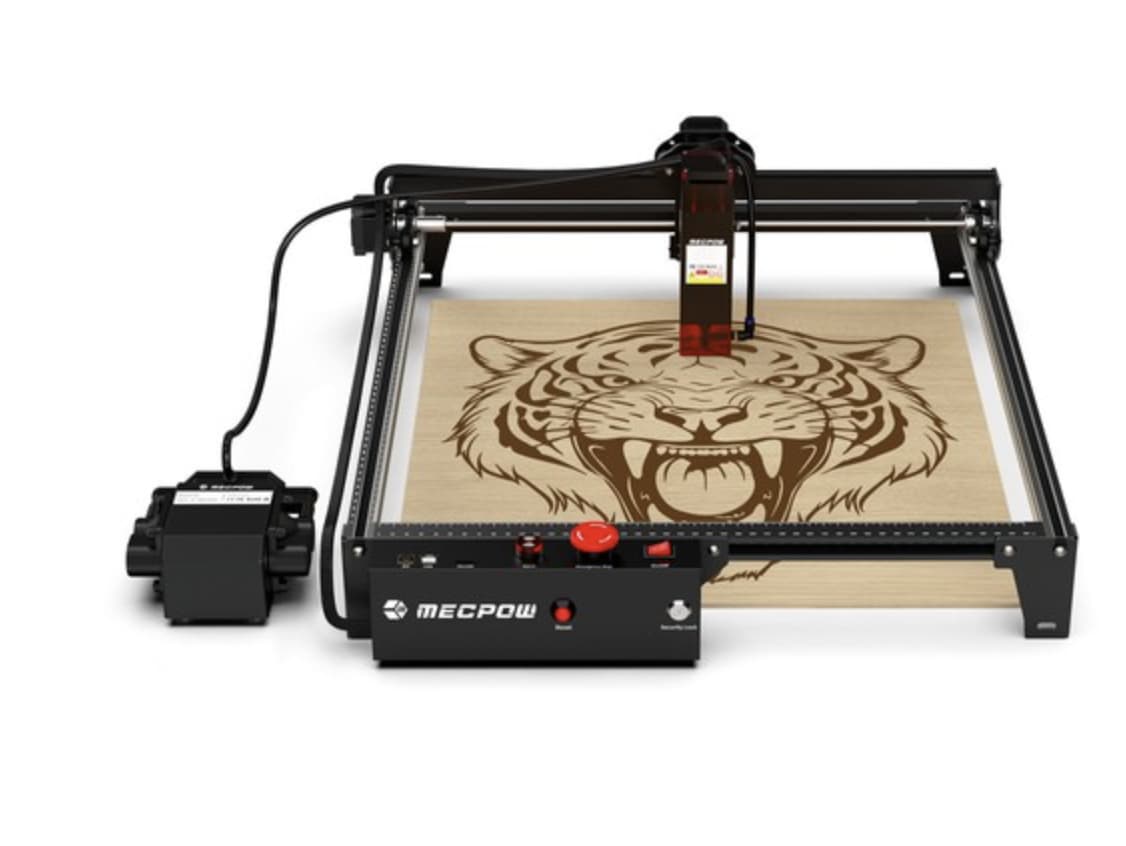
The Mecpow X3 Pro 10W Laser Engraver bundle available through Geekbuying takes an interesting approach by combining a desktop engraving machine with several practical accessories. In addition to the 10W diode laser, the package includes a protective head and neck shield, heat-resistant gloves, and 12 pet tags in two different sizes.
Mecpow has previously explored this desktop engraving category with its earlier Mecpow X3 Pro laser engraver review, while this Geekbuying package puts additional emphasis on ready-to-use accessories and personalized pet-tag projects.
Rather than being just another entry-level engraving machine, this package is designed to make personalized engraving projects more accessible, particularly for users interested in pet accessories, customized gifts, and small creative businesses.
Why the Mecpow X3 Pro Bundle Is More Interesting Than a Standard Engraver
The first thing worth highlighting is the package configuration.
A standard laser engraver purchase often leaves beginners with additional expenses for test materials, protective equipment, and accessories. The Geekbuying version of the Mecpow X3 Pro includes several extras that make it easier to explore different projects from the beginning.
The 12 included pet tags are particularly relevant. They consist of six 20mm tags and six 25mm tags, providing two different sizes for experimenting with personalized designs.
For example, users can create customized pet identification tags featuring names, decorative patterns, or contact information. The different tag dimensions also make it possible to compare how text size and engraving layouts look on smaller and larger surfaces.
The package additionally contains a head and neck protection shield and heat-resistant gloves. These are supplementary protective accessories, not substitutes for proper laser-specific eye protection or safe operating procedures.
For someone planning to experiment with personalized products, having project materials included is a useful advantage.
For buyers comparing different power levels within the same product family, the Mecpow X3S 7W laser engraver offers another option for DIY engraving, personalized gifts, and small creative projects.
10W Diode Laser: What Can You Actually Make With It?
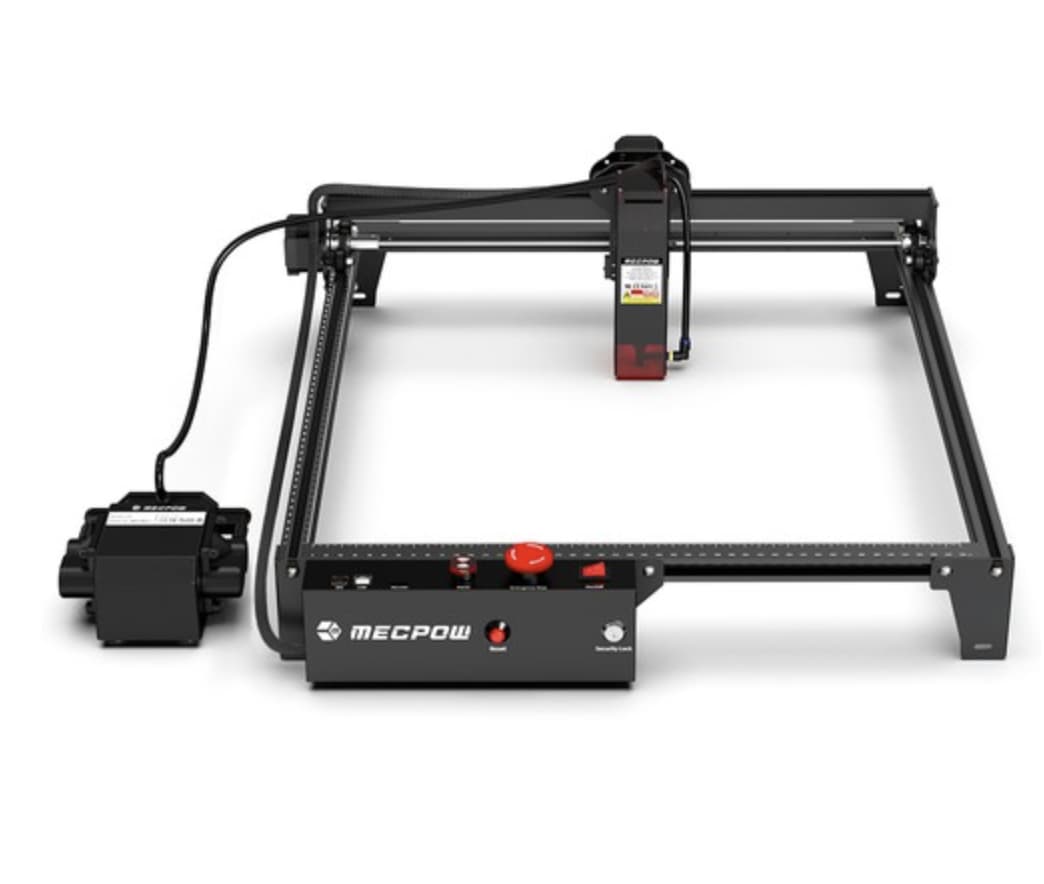
At the center of the Mecpow X3 Pro is a 10W optical-output diode laser operating at a wavelength of 445 ± 5nm.
Its relatively small laser spot measures approximately 0.06 × 0.08mm, while the manufacturer specifies engraving accuracy of 0.01mm. These characteristics are important when working on designs containing small lettering, decorative outlines, logos, and detailed illustrations.
The machine supports engraving across several material categories, including:
- Wood and bamboo: Personalized signs, coasters, nameplates, ornaments, and gift decorations.
- Leather: Customized accessories, labels, and decorative patterns.
- Acrylic: Decorative panels, personalized displays, and craft components, subject to material compatibility.
- Fabric and paper: Lightweight decorative designs and creative artwork.
- Ceramics and glass: Surface marking with appropriate preparation and compatible techniques.
- Metal: Certain coated or treated metal surfaces can be marked with a suitable diode-laser workflow.
One important distinction is that material compatibility does not mean every material can be deeply engraved or cut directly. For example, bare metal is generally beyond the direct cutting capability of a conventional 10W blue diode laser. Glass and ceramics may also require surface treatments to produce visible markings.
The Mecpow X3 Pro is therefore best understood as a versatile craft engraving machine rather than an industrial metal-cutting system.
410 × 400mm Working Area Gives You Room for More Than Pet Tags
A major practical advantage is the machine’s 410 × 400mm engraving area.
This provides enough space for multiple smaller designs to be arranged within one working session. Instead of processing one pet tag at a time, users can potentially position several blanks together and engrave a batch of personalized products.
That is particularly useful for small businesses producing customized accessories or creators preparing multiple gifts.
The machine also supports an optional extended Y-axis system, which can expand the working area to accommodate longer projects. However, the extension components are sold separately and are not included in the standard working-area configuration.
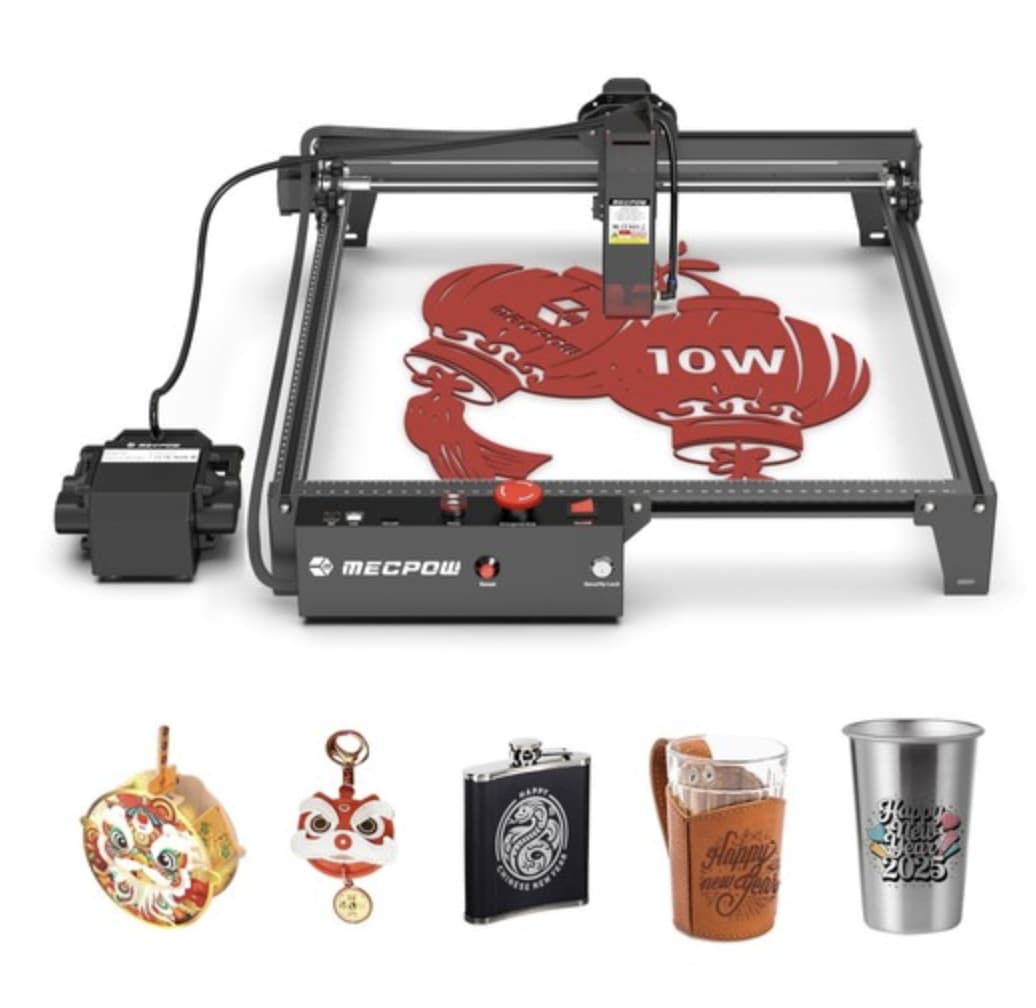
With a maximum advertised engraving speed of 10,000mm/min, the X3 Pro also offers a reasonable starting point for users who want to produce multiple designs.
Actual production speed will depend on the material, engraving depth, image complexity, power settings, and number of passes. The maximum speed should not be interpreted as the speed at which every design can be completed.
Air Assist Makes a Difference When Cutting and Engraving
One feature that deserves more attention is the included air-assist pump.
The Mecpow X3 Pro bundle specifies an airflow capacity of up to 30L/min. During operation, air is directed toward the laser processing area to remove smoke, debris, and particles generated during engraving.
This offers several practical benefits.
First, clearing smoke from the working surface helps maintain a cleaner processing area. Second, removing debris can improve the appearance of cut edges and reduce unwanted residue. Air assist can also help reduce the accumulation of combustible particles around the laser processing point.
For users working with wood and other materials that produce significant smoke or debris, this feature can make a noticeable difference to the overall workflow.
However, air assist is not a replacement for proper ventilation or fire supervision. Laser engraving should always take place in a suitable, well-ventilated workspace.
Fixed-Focus Design Makes Setup Easier for Beginners
Laser focusing can be confusing for first-time users, especially when switching between materials with different thicknesses.
Mecpow addresses this with a fixed-focus laser head and a dedicated focusing screen.
The setup process is straightforward:
- Place the focusing screen on the material.
- Move the laser head into position and lower it until it touches the focusing screen.
- Remove the focusing screen before starting the engraving job.
This reduces the number of manual adjustments required before each project.
It is a relatively simple feature, but it can help beginners establish a more consistent starting point when preparing different engraving jobs.
Safety Features: Flame Detection, Tilt Alarm and Emergency Stop
Laser safety is an important consideration for any desktop engraving machine.
The Mecpow X3 Pro incorporates several built-in protection mechanisms designed to reduce operational risks.
Flame sensor: The machine can trigger an alarm and stop operation when its flame detection system identifies a potential fire event.
Gyroscope-based tilt detection: An alarm and shutdown response are triggered when the machine tilts beyond approximately 50 ± 5 degrees.
Emergency stop button: Users can quickly interrupt operation if something unexpected happens.
Security lock: A key-based locking mechanism helps prevent unauthorized operation.
Limit switches: Two limit switches help prevent the laser assembly from traveling beyond its intended movement range.
The laser module also includes a protective shield, while the package contains laser safety goggles.
Nevertheless, these features should not create a false sense of complete protection. A laser enclosure, suitable wavelength-rated eye protection, ventilation, material checks, and continuous supervision remain essential. Never leave an operating laser engraver unattended.
The included heat-resistant gloves and head/neck shield are supplementary accessories and should not be treated as certified laser eye protection.
Software Compatibility: LaserGRBL and LightBurn
Hardware is only part of the engraving experience. Software compatibility also determines how easily users can turn digital artwork into physical products.
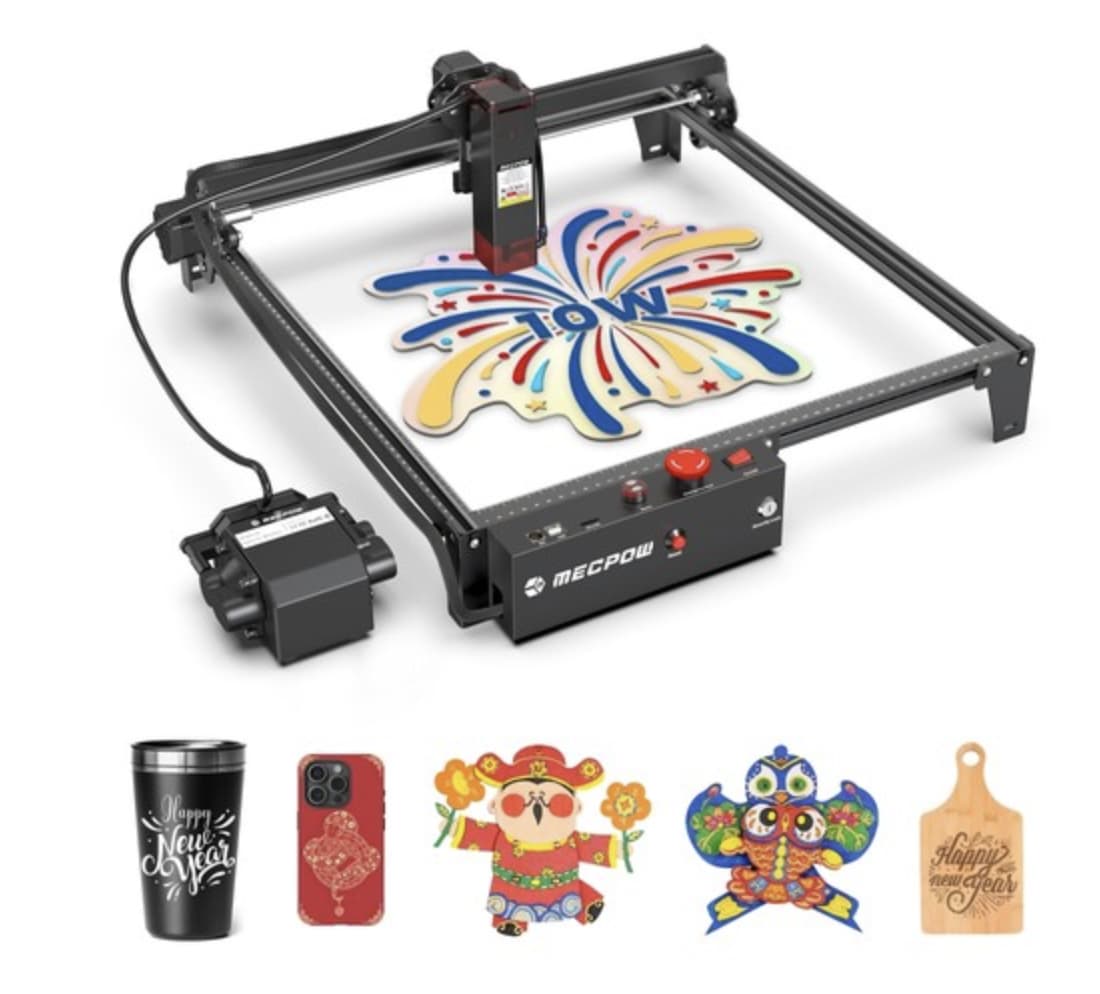
The Mecpow X3 Pro supports two commonly used laser engraving applications:
LaserGRBL
LaserGRBL is a free Windows-based application suitable for users who want to get started without purchasing additional software. It supports common image and vector workflows and provides access to engraving settings.
LightBurn
LightBurn is a paid application available for Windows and macOS. It offers a more comprehensive design and machine-control environment, making it useful for users who regularly work with multiple layers, vector artwork, and repeatable production layouts.
The machine supports common file formats, including JPEG, BMP, GIF, PNG, PLT, and DXF.
Its wired USB Type-B connection provides a straightforward way to communicate with a compatible computer.
For beginners, starting with simple black-and-white designs and basic vector shapes is a sensible way to understand power, speed, and material settings before attempting more complicated projects.
Is the Mecpow X3 Pro Suitable for a Small Customization Business?
The combination of a 10W laser, relatively generous working area, air assist, and included pet tags makes this bundle particularly interesting for small-scale customization projects.
Here are several potential applications:
Personalized pet accessories: Create customized designs on compatible pet-tag blanks, including names, decorative symbols, and identification details.
Small gift production: Engrave wooden ornaments, coasters, personalized signs, and decorative accessories.
Custom branding: Produce small logos, labels, and promotional items from compatible materials.
DIY craft projects: Experiment with acrylic decorations, bamboo accessories, leather details, and other creative materials.
Small-batch production: Arrange several items within the working area to process multiple designs in one session.
For a home workshop or a small creative business, the X3 Pro offers a useful combination of engraving space and practical accessories.
However, anyone planning commercial production should first test material compatibility, engraving consistency, cycle times, and operating costs before accepting customer orders.
Mecpow X3 Pro 10W Laser Engraver Specifications
| Specification | Details |
|---|---|
| Brand | Mecpow |
| Model | X3 Pro |
| Laser type | Diode laser |
| Optical laser power | 10 ± 1W |
| Wavelength | 445 ± 5nm |
| Laser spot size | 0.06 × 0.08mm |
| Engraving accuracy | 0.01mm |
| Working area | 410 × 400mm |
| Maximum advertised speed | 10,000mm/min |
| Air-assist airflow | 30L/min |
| Focusing system | Fixed focus |
| Frame material | High-strength aluminum alloy |
| Connection | USB Type-B |
| Software | LaserGRBL, LightBurn |
| Operating systems | Windows, macOS |
| Safety features | Flame sensor, tilt alarm, emergency stop, security lock, limit switches |
| Machine weight | Approximately 3.67kg |
| Rated laser service life | 10,000 hours or more |
What Comes in the Geekbuying Bundle?
The package includes:
- 1 × Mecpow X3 Pro laser engraving machine
- 1 × Laser safety goggles
- 1 × USB cable
- 1 × Power adapter
- 1 × Tool kit
- 2 × Wood boards
- 1 × Aluminum plate
- 1 × Focusing screen
- 2 × Keys
- 1 × Air pump kit
- 1 × Head and neck protection shield
- 1 × Pair of heat-resistant gloves
- 6 × 20mm pet tags
- 6 × 25mm pet tags
The additional accessories make this particular package more suitable for users who want to explore personalized engraving projects without purchasing every basic project material separately.
Final Verdict: A Versatile 10W Engraving Bundle for DIY Creators
Mecpow X3 Pro 10W Laser Engraver is an interesting option for people entering the world of desktop laser engraving. Its appeal comes from the combination of a compact aluminum-frame design, 410 × 400mm working area, 0.01mm advertised engraving accuracy, and an integrated air-assist system.
What makes the Geekbuying package more distinctive is its collection of additional accessories. The 12 pet tags provide an immediate starting point for personalized engraving, while the included gloves and head/neck shield add supplementary workshop equipment.
It is not intended to replace higher-powered industrial laser systems, and its 10W diode module has limitations when processing bare metals and thicker materials. Nevertheless, for personalized crafts, pet accessories, wooden gifts, and small DIY projects, it offers a practical set of capabilities.
For hobbyists and small creators looking for a desktop laser engraver with useful extras, the Mecpow X3 Pro bundle is worth considering.