










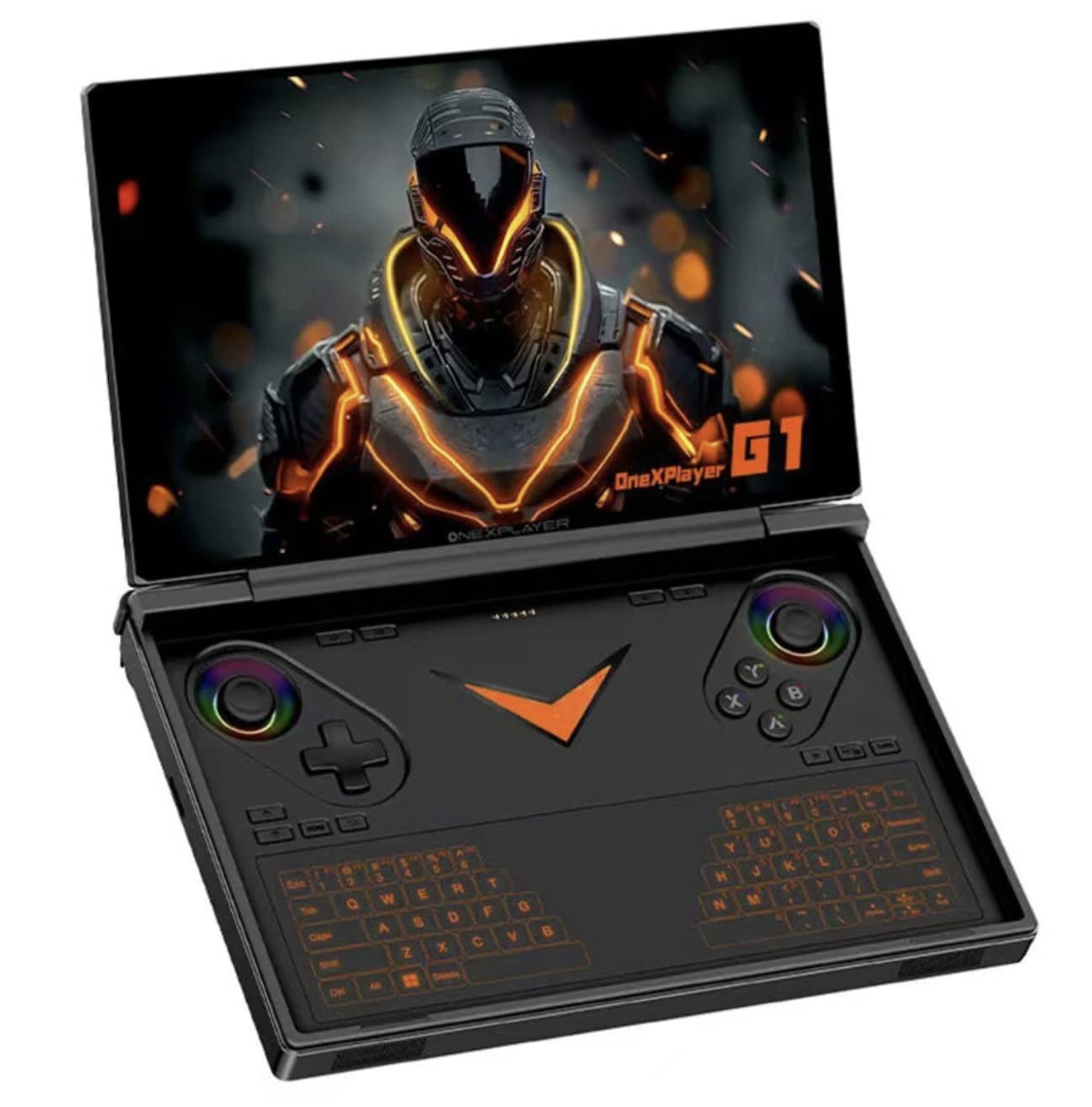
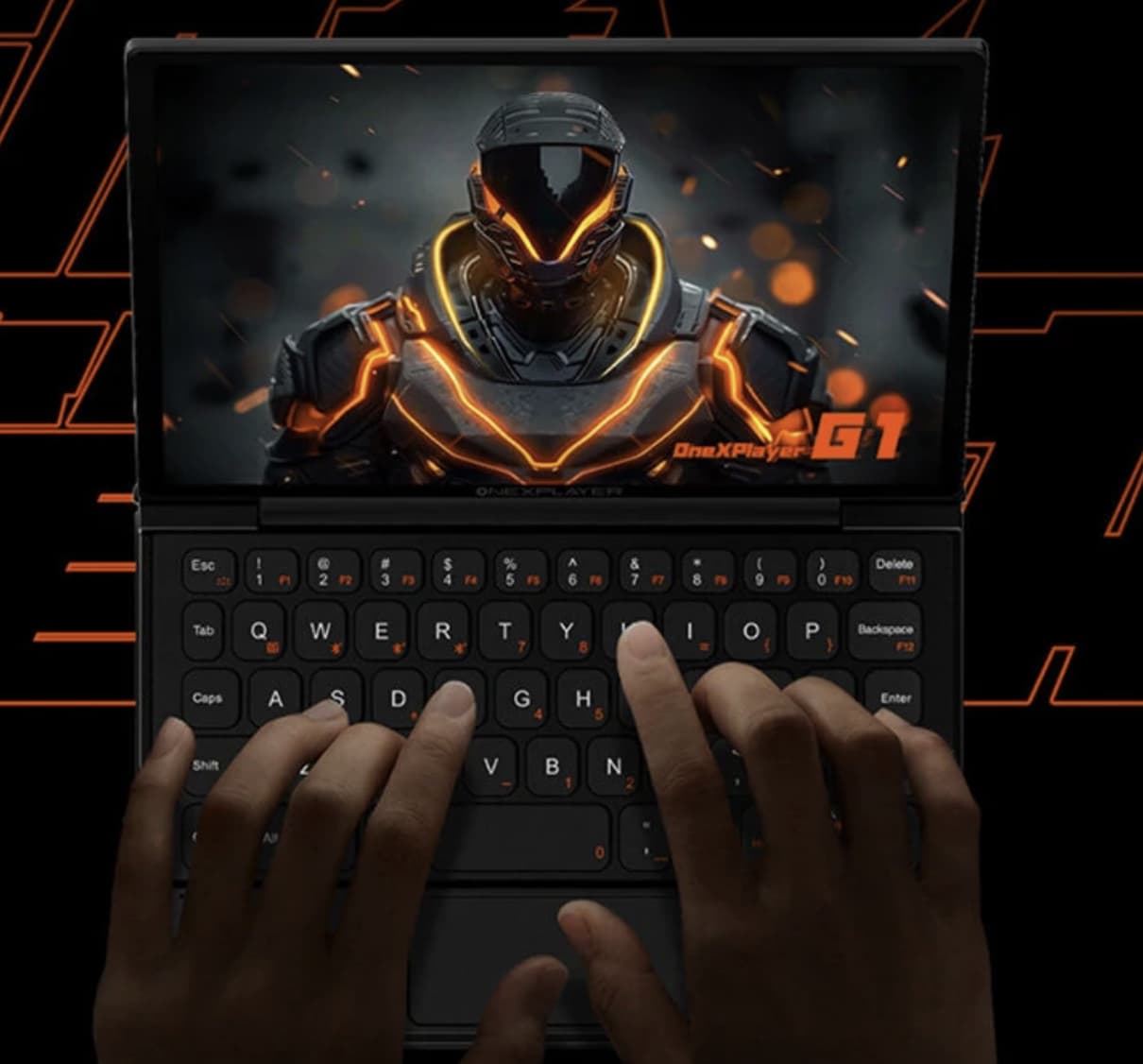
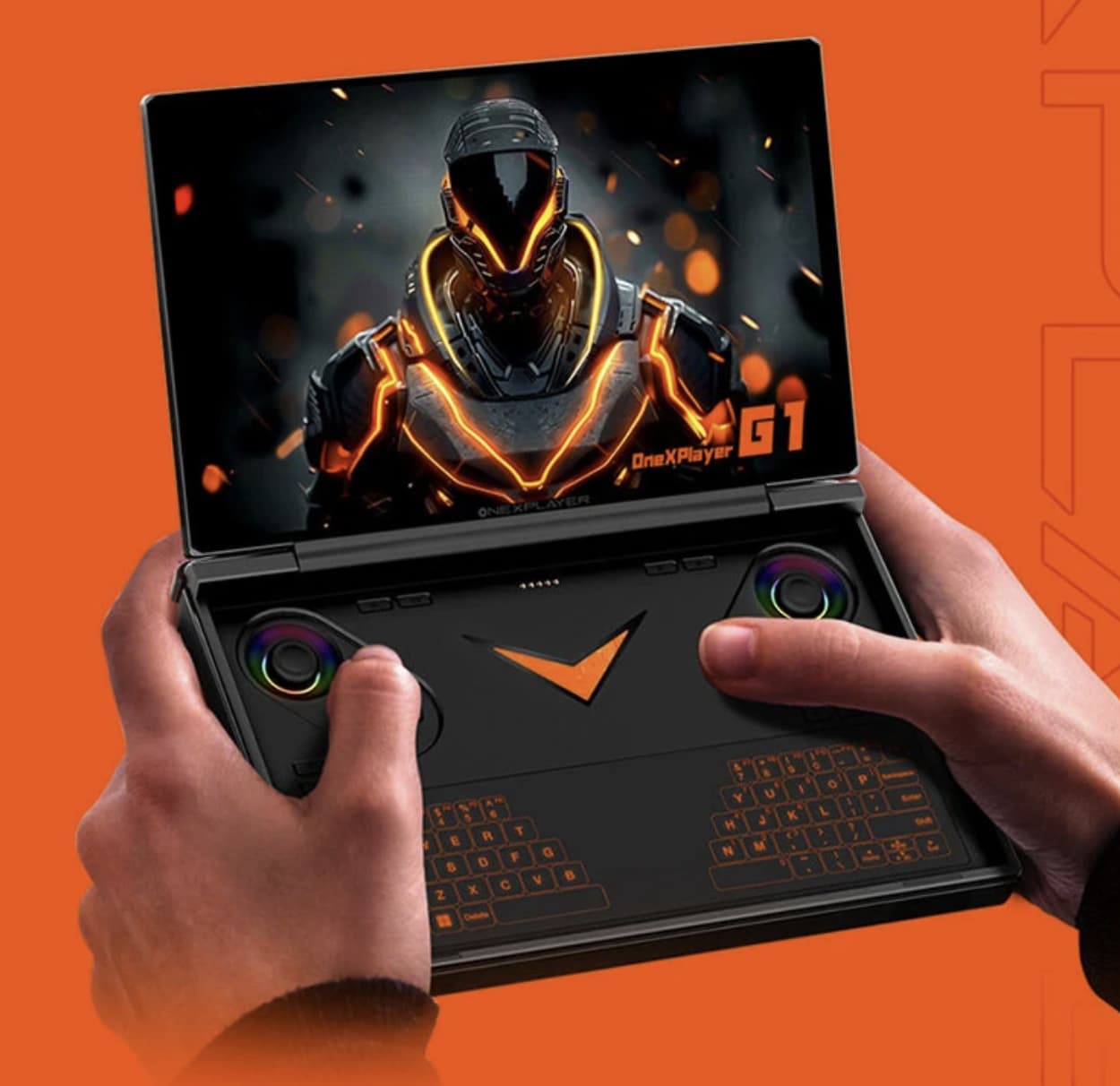
Portability is central to the ONEXPLAYER G1’s design. Its foldable mini-laptop form is intended to make PC gaming and everyday computing easier to take on the road. However, that advantage becomes less convincing when battery endurance falls short. Based on the available figures, battery life appears to be one of the G1’s main compromises, meaning extended use away from a charger may require more planning than the compact design suggests.
The Raw Numbers
The ONEXPLAYER G1 packs a 51.97Wh battery . That’s not tiny—it’s comparable to the Lenovo Legion Go’s 49.2Wh cell . But capacity isn’t everything. The device packs an AMD Ryzen AI 9 HX 370 processor, an 8.8-inch 2560×1600 144Hz display, and a 51.97Wh battery. This concept of packing high-performance PC hardware into a portable form factor makes it a unique ‘three-in-one’ device. If this foldable mini gaming laptop design interests you, check the ONEXPLAYER G1 ‘s detailed specs and price on Banggood.
Real-world tests confirm this. Gaming at 30W TDP delivers roughly one hour of battery life . That’s for demanding titles like God of War Ragnarök. At 25W TDP, you’ll get about 1.5 hours for a game like Cyberpunk 2077 on low settings . Even at a more modest 15W TDP, optimized for efficiency, the G1 manages only 2.5 hours for a game like Forza Horizon 5 at 60fps .
This aligns with what other users have reported: high-performance gaming on the G1 lasts “less than two hours” , and heavy-load battery life can “collapse toward an hour” despite the 51.97Wh cell .
What This Means in Practice
The battery isn’t just a number—it fundamentally changes how you use the device.
For a commute that’s 45 minutes each way, the G1 is fine. You can game comfortably. For a flight that’s three hours, you’re bringing a power bank or fighting for a seat near an outlet. For a day of travel with intermittent gaming, you’re constantly checking battery percentage.
The productivity side fares better. For light tasks—browsing, document editing, checking emails—the G1 can stretch to 5-6 hours . That’s actually decent for a Windows device with a high-resolution 8.8-inch display. But the G1 is marketed as a gaming machine first, and gaming is where the battery struggles.
The Charging Quirks
Beyond runtime, there’s a serious warning about charging. Some sources like ONEXPLAYER G1 release coverage caution never to use a high-wattage PD “Fast Charger” on the G1, as it can damage the battery . Use a standard 5V/1.5A brick instead . This is a major limitation for a device that begs to be taken on the go—you can’t just use the same charger you use for your laptop or phone.
For a 100W GaN charger , the recommendation might seem counterintuitive, but the warning is consistent across multiple discussions.
The Context
Battery life is a persistent challenge across the entire handheld gaming PC category. The Steam Deck, ROG Ally, and Legion Go all face similar trade-offs between performance and portability. The G1’s 51.97Wh battery is actually on the larger side for its class . But its power-hungry processor and high refresh-rate display place it right at the edge of what the current battery technology can support.
The Bottom Line
The ONEXPLAYER G1’s battery performance isn’t necessarily poor when compared with other high-performance handheld PCs, but it can feel limiting if you expect all-day freedom from a power outlet. For shorter gaming sessions, light productivity, or casual use, the battery should be adequate. However, extended gaming during travel can become challenging when a charger or power bank isn’t available.
In simple terms, the G1 is easy to carry, but its battery capacity limits how long you can stay away from a power source. That’s an important trade-off to consider before buying.